


Blog
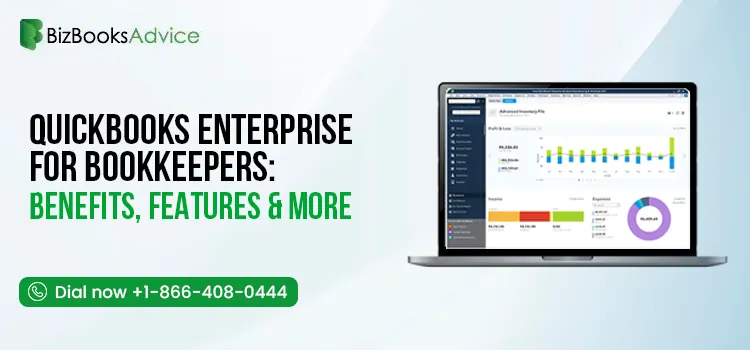
QuickBooks Enterprise for Bookkeepers: Benefits, Features & More
QuickBooks Enterprise for bookkeepers is a desktop accounting solution designed to help professional......
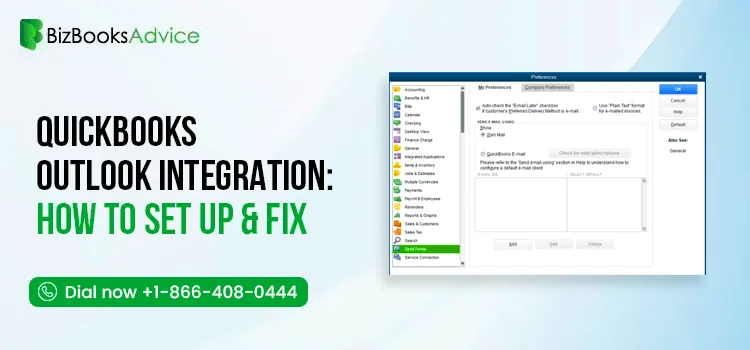
QuickBooks Outlook Integration: Setup, Email Settings & Common Issues
QuickBooks Outlook integration allows you to send invoices, estimates, sales receipts, reports, and ......
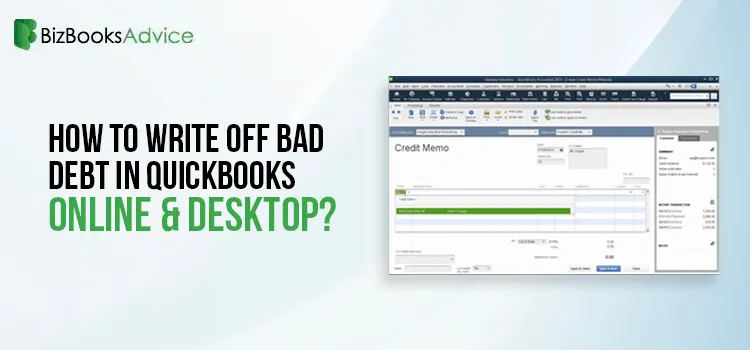
Learn How to Write Off Bad Debt in QuickBooks Both Desktop & Online
Not every customer invoice gets paid, and keeping those unpaid balances in your books can affect the......
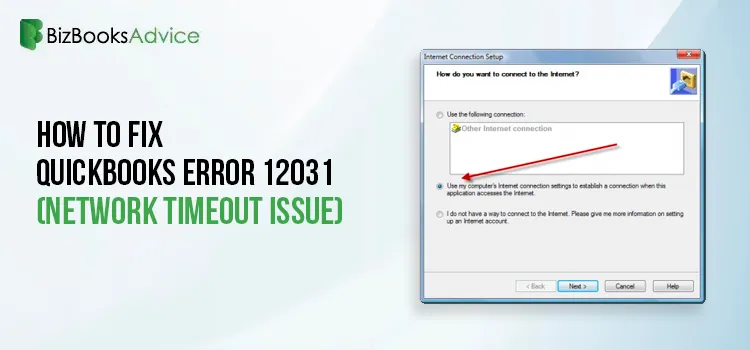
How to Fix QuickBooks Error 12031 (Network Timeout Issue)
Encountering QuickBooks Error 12031 can be frustrating, especially while downloading software or pay......
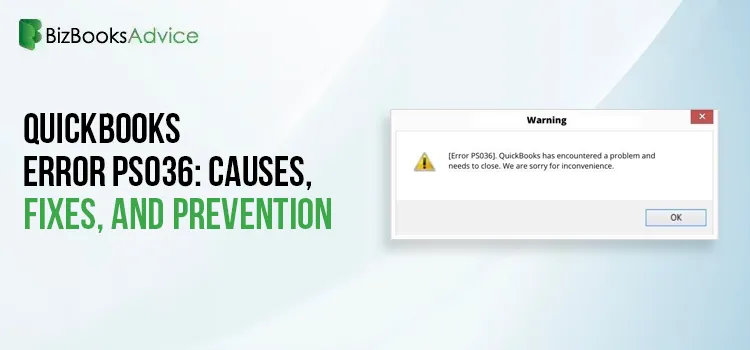
QuickBooks Error PS036: Causes, Fixes, and Prevention
Running payroll on a deadline is stressful enough without your software throwing an error in the mid......
Converting from QuickBooks Desktop to QuickBooks Online: A Complete Guide
Converting from QuickBooks Desktop to QuickBooks Online is one of the most common transitions small ......
Tried Everything? Here’s How to Fix QuickBooks Error Code 80070057
Users often encounter various issues while opening company files in QuickBooks. QuickBooks Error Cod......
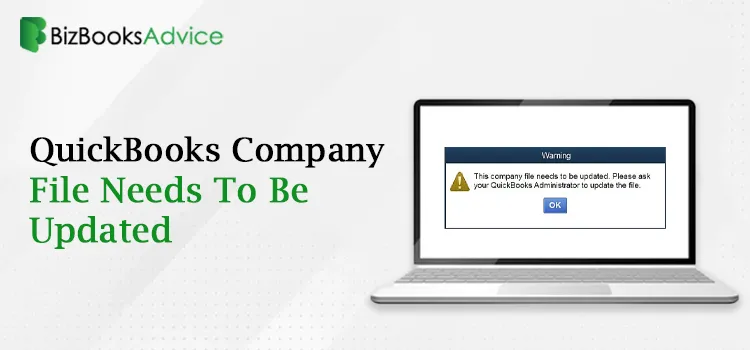
This QuickBooks Company File Needs to Be Updated: A to Z Guide
You may encounter the QuickBooks Company file needs to be updated error message when attempting to l......

Renew QuickBooks Subscription: Desktop & Online Renewal Guide
Renewing your QuickBooks subscription on time is essential to keep your accounting tasks running wit......