


Blog
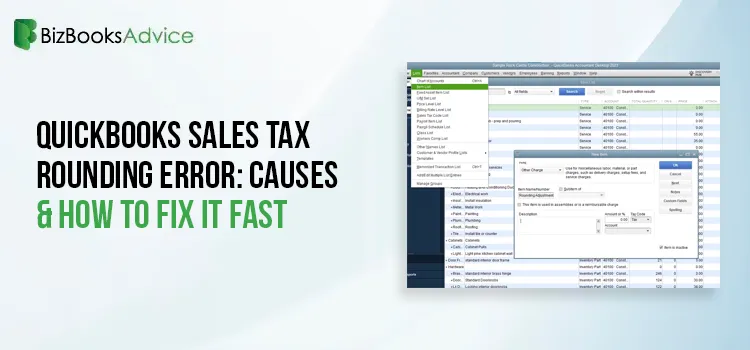
QuickBooks Sales Tax Rounding Error: Causes & How to Fix It Fast
Is QuickBooks showing a sales tax amount that does not match your calculation? If yes, you might be ......
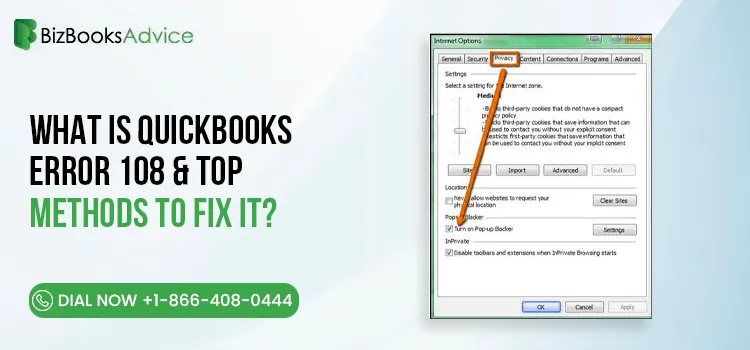
What is QuickBooks Error 108 & Top Methods to Fix It?
QuickBooks Error 108 is a bank connectivity issue that arise when your bank or credit card services ......
QuickBooks Enterprise Remote Access: Setup, Requirements & Guide
QuickBooks Enterprise can be accessed remotely, allowing users to work with their company files even......
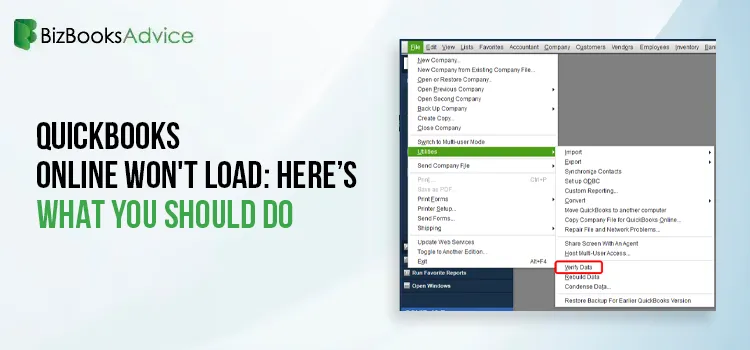
QuickBooks Online Won’t Load: Causes, Fixes, and What to Check First
You’re not the only one if you’ve opened your browser thinking you’d see your dash......

QuickBooks Banking Errors: A Complete Guide to Common Issues and Fixes
The reason you’ve come to this article is that you most likely came across a QuickBooks bankin......
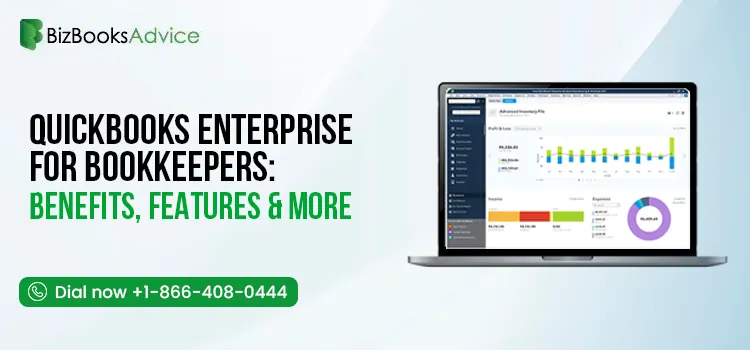
QuickBooks Enterprise for Bookkeepers: Benefits, Features & More
QuickBooks Enterprise for bookkeepers is a desktop accounting solution designed to help professional......
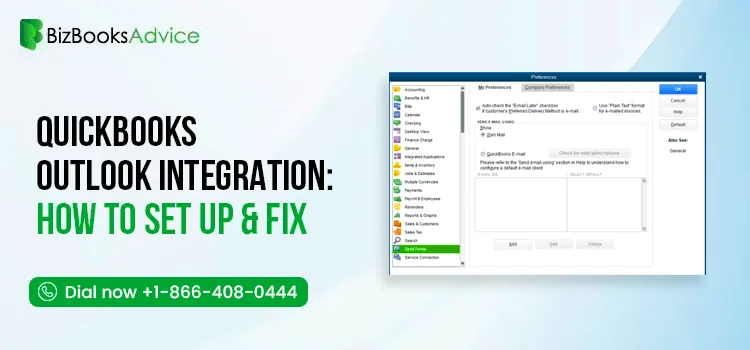
QuickBooks Outlook Integration: Setup, Email Settings & Common Issues
QuickBooks Outlook integration allows you to send invoices, estimates, sales receipts, reports, and ......
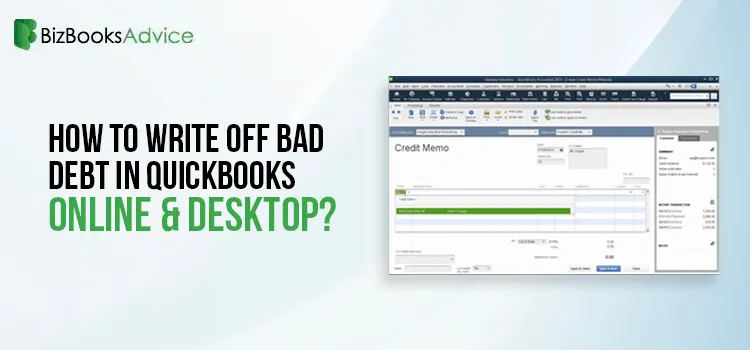
Learn How to Write Off Bad Debt in QuickBooks Both Desktop & Online
Not every customer invoice gets paid, and keeping those unpaid balances in your books can affect the......
Fix QuickBooks Error PS032 | QB Payroll Update Error
QuickBooks users may encounter QuickBooks error PS032 while downloading or installing payroll update......